


 Video
Video- Live streaming and recording
- VOD encoding · CDN · Multi-DRM
- AI CMS (captions · summaries · scene search)
- VOD TO LIVE channels
- Mid-roll · virtual ads
- Stream monitoring

Stream what you shoot with Embrace OStream and add audience chat with sendstage. Mid-roll ads and replays are covered in the same conversation.
ChatExample screen. Viewer counts and chat messages are staged.What happens at each step between shooting in the studio and earning from your audience.
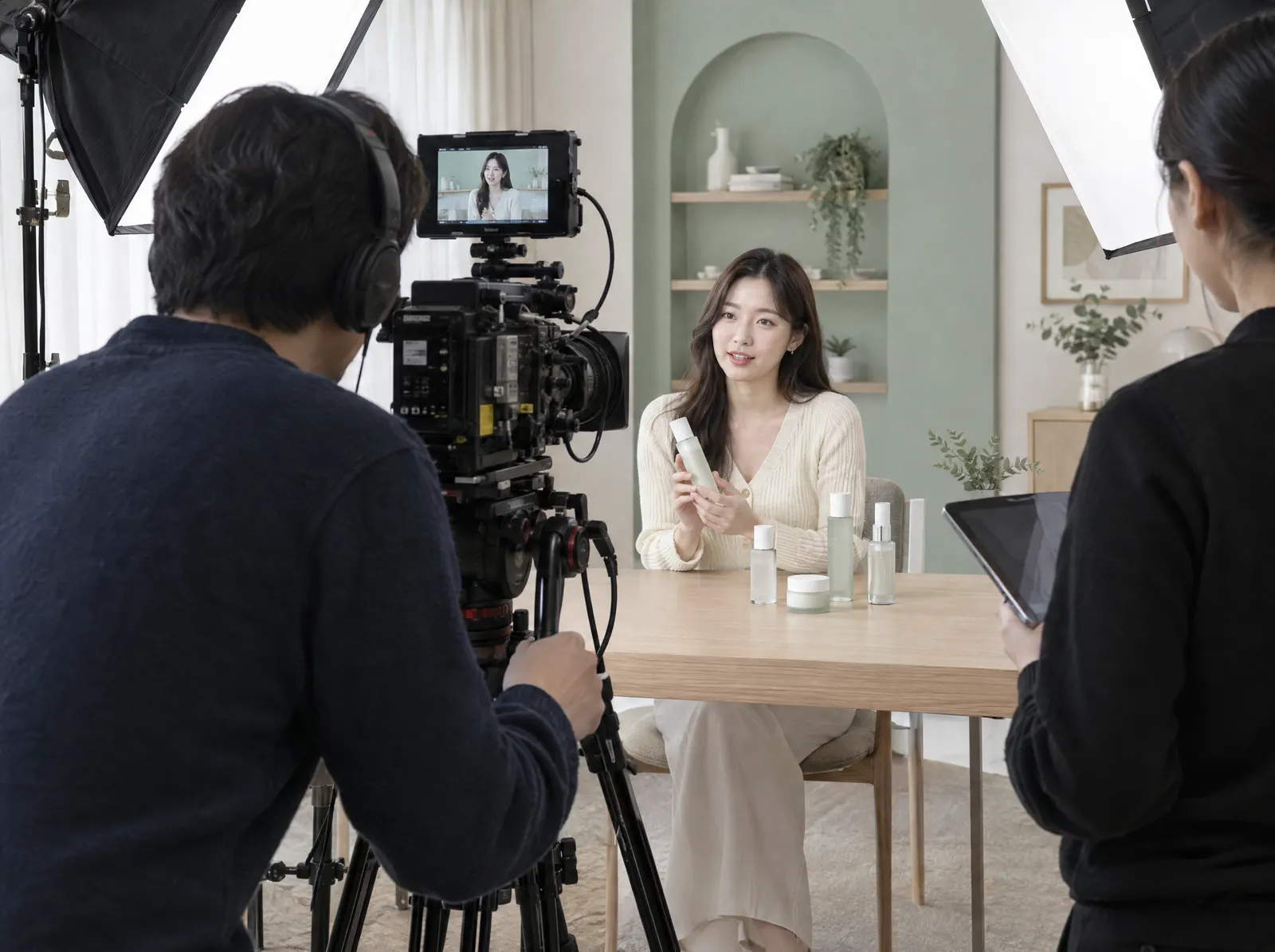
01Shoot
Send the feed from your studio or venue to OStream through an encoder. It is transcoded into several qualities before it reaches viewers.
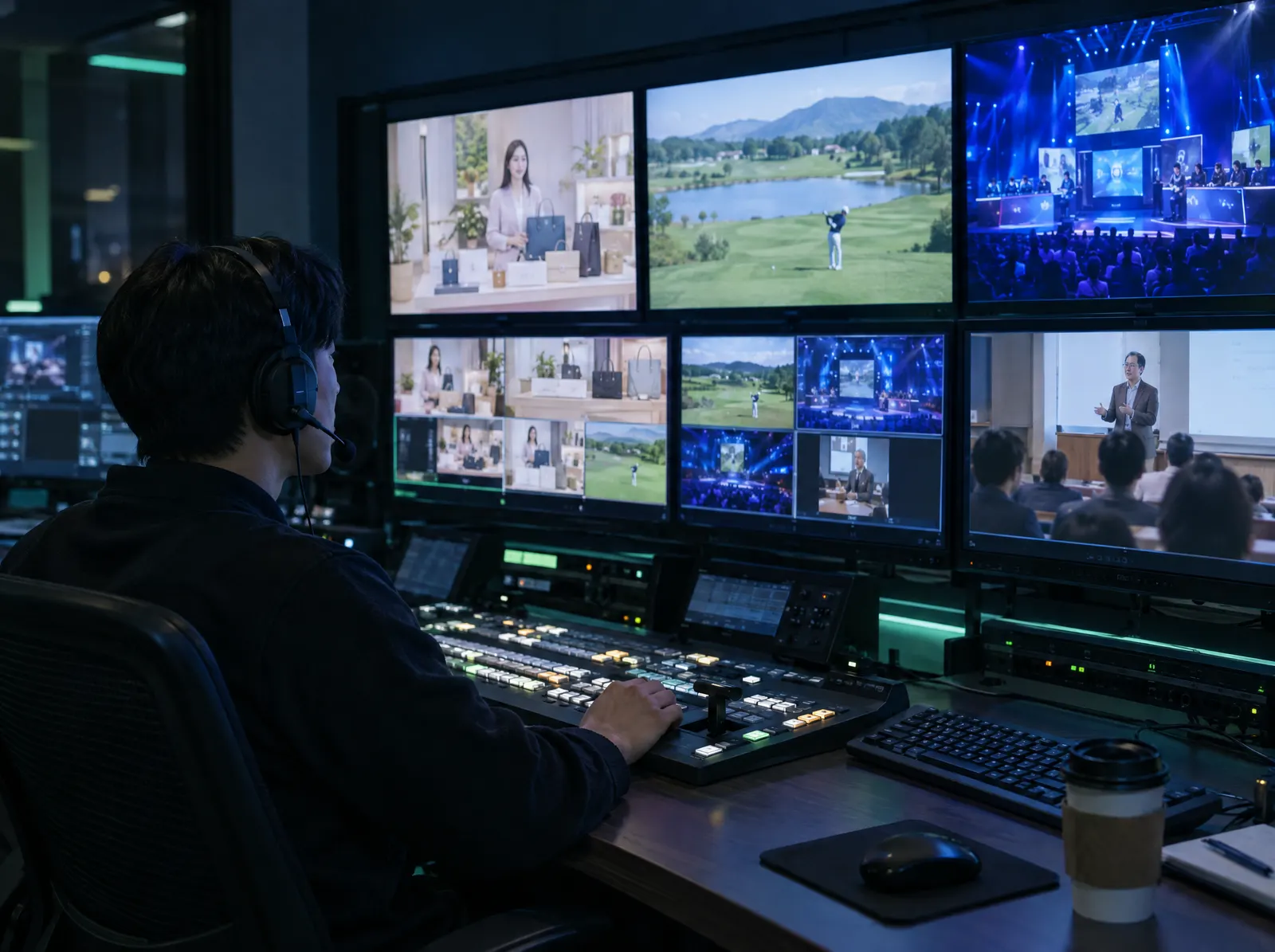
02Live station
Once you are on air, OStream handles delivery and recording while sendstage runs the audience chat. Schedule broadcasts on the web and send them to several platforms.
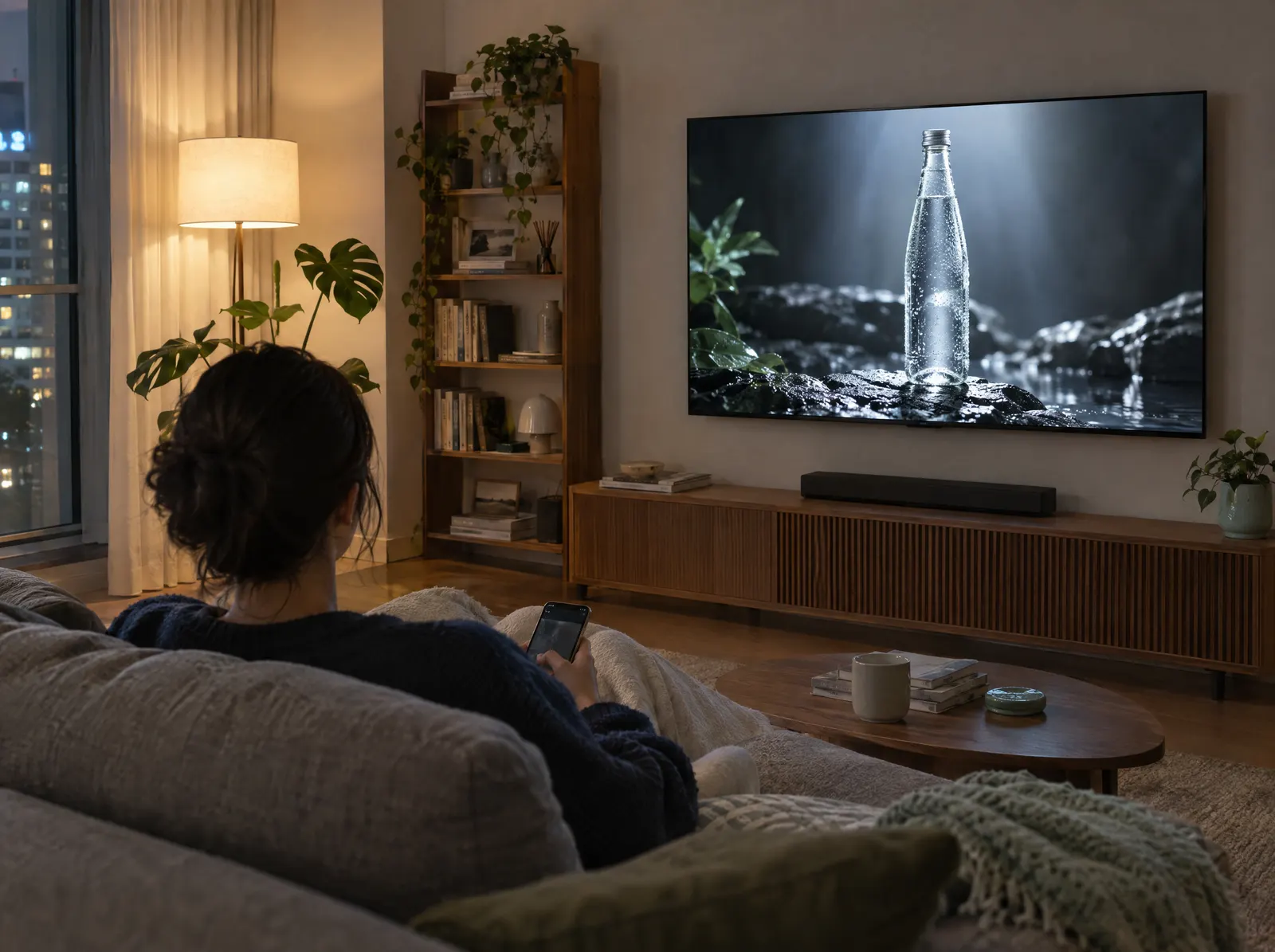
03Ads
Earn from mid-roll and virtual ads. Finished broadcasts become VOD, and past videos can run back to back as a continuous channel.
Embrace has run video delivery for broadcasters and OTT services in Korea and abroad since 2015. sendstage is a chat solution that puts real-time chat inside your service. To use both, just contact sendstage.
VideoChatLive, VOD and content management on one platform. Features below are as described on the official Embrace website.
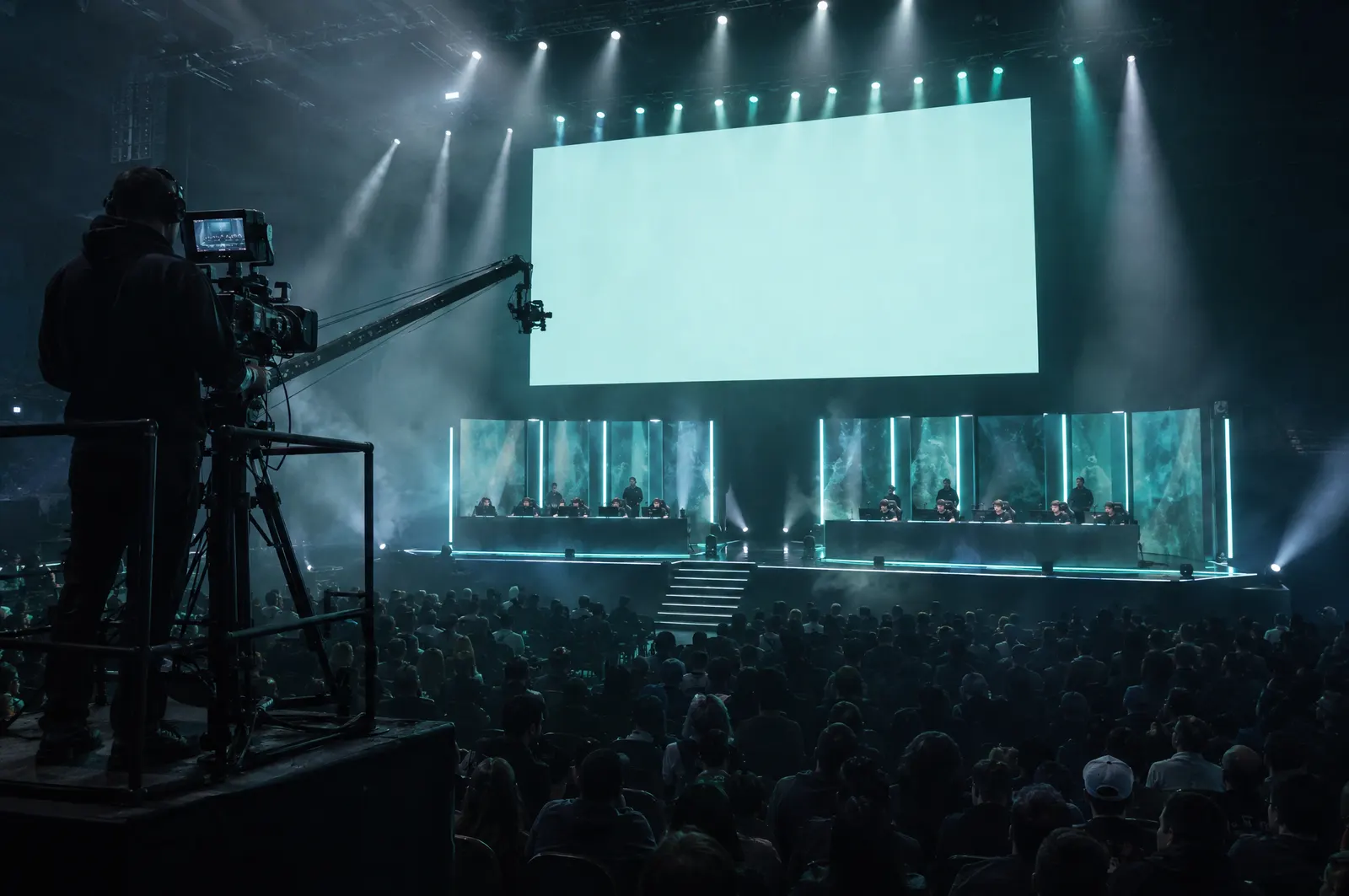
Transcode into multiple qualities and switch quality automatically to match each viewer's network.
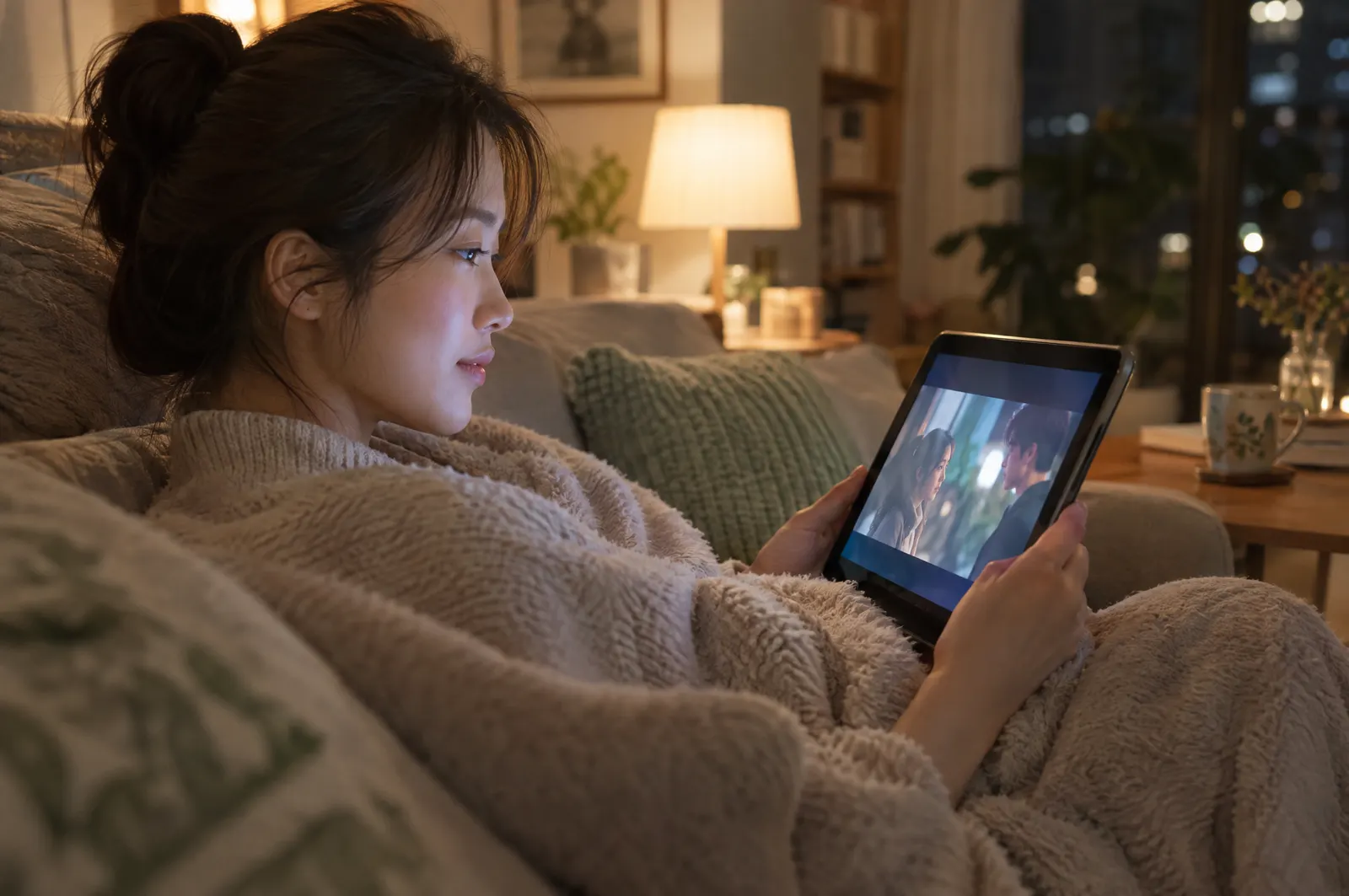
Upload on the web, encode into several qualities, deliver, and protect paid content with DRM.
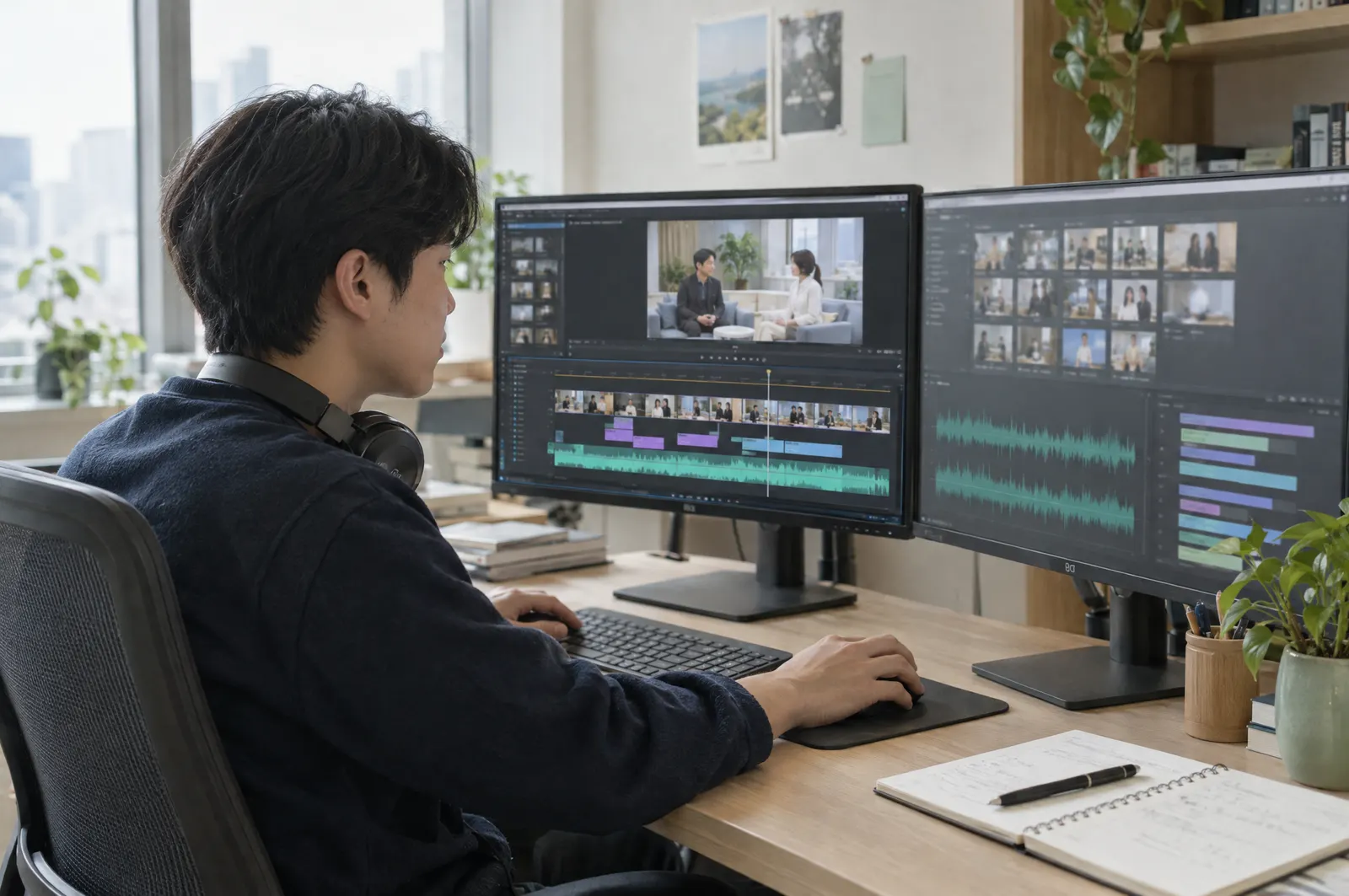
AI drafts captions, synopses and timestamps so your team only has to review them.
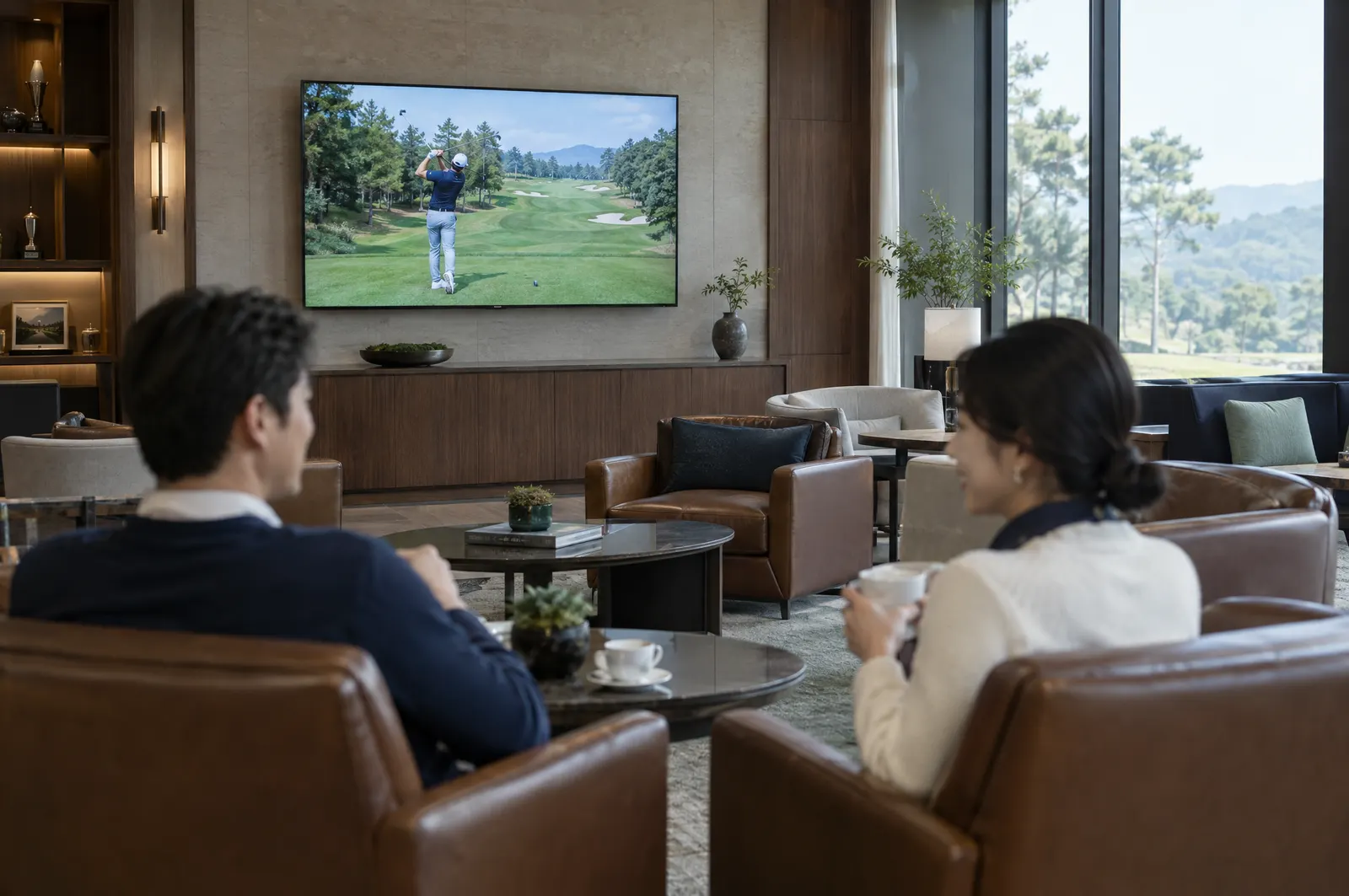
Play your existing VOD back to back and run a continuous channel on external platforms.
Official Embrace feature pages: OStream LIVE ↗ · AI CMS ↗
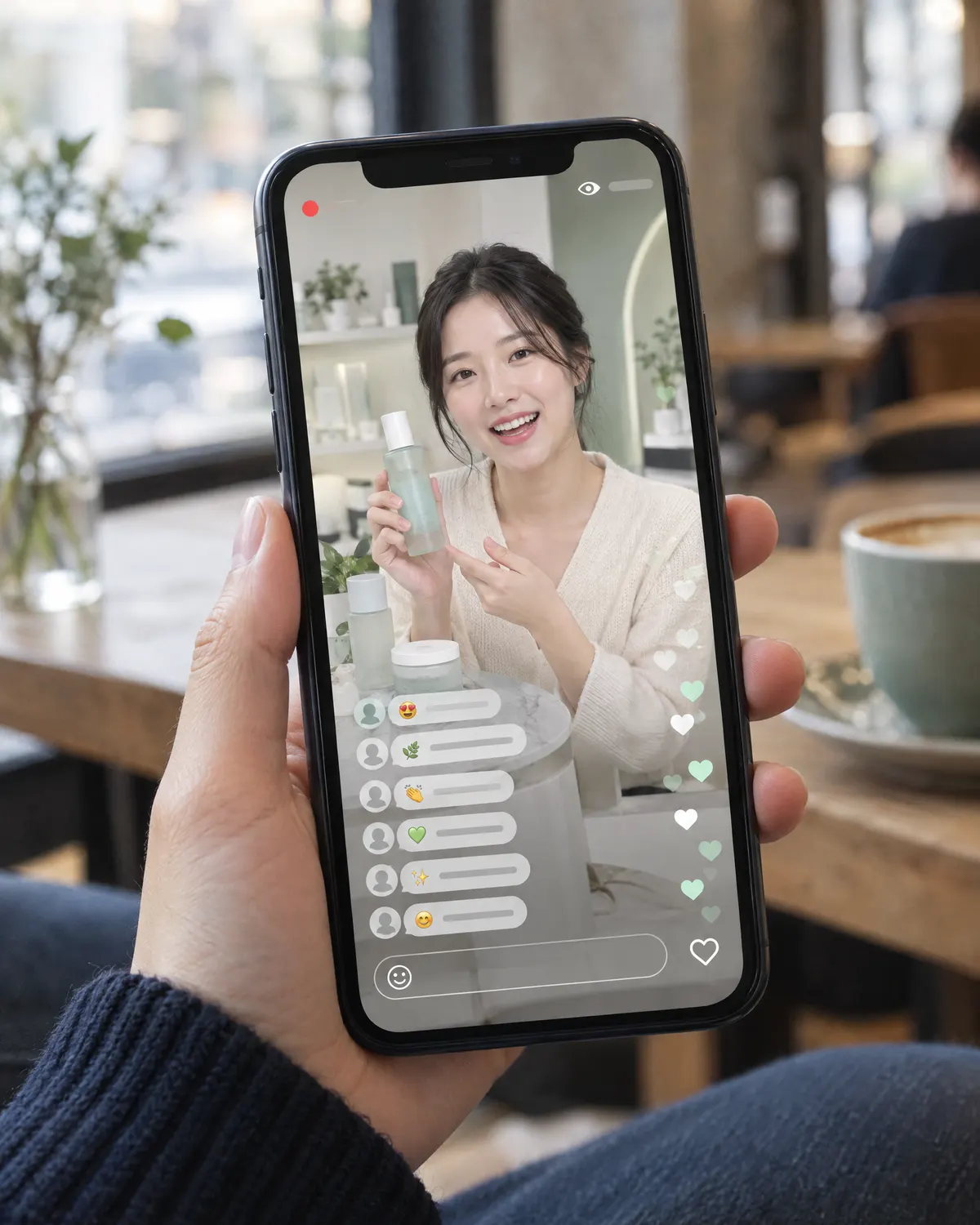
People watching a live stream ask questions, react and talk to each other. sendstage is the chat solution that lets you run those conversations inside your own service.
Customer stories published on the official Embrace website.
 VOD TO LIVE
Runs VOD-to-live services and supports monitoring and statistics for about 2,000 servers.
 Back office
Back-office development built on a microservice architecture and the cloud.
 Mid-roll ads
Mid-roll ad solution, broadcast operations and delivery of about 30 HD feeds.
 Live delivery
Delivery to several streaming platforms, starting with the 2018 World Championship in Korea.
 North America
A California media company bringing Korean content to North American viewers, live and on demand.
 Japan OTT
The full VOD process from ingest and storage to encoding, DRM packaging and delivery.
Logos and stories are Embrace customer examples and do not represent sendstage customers. Read the stories on Embrace ↗
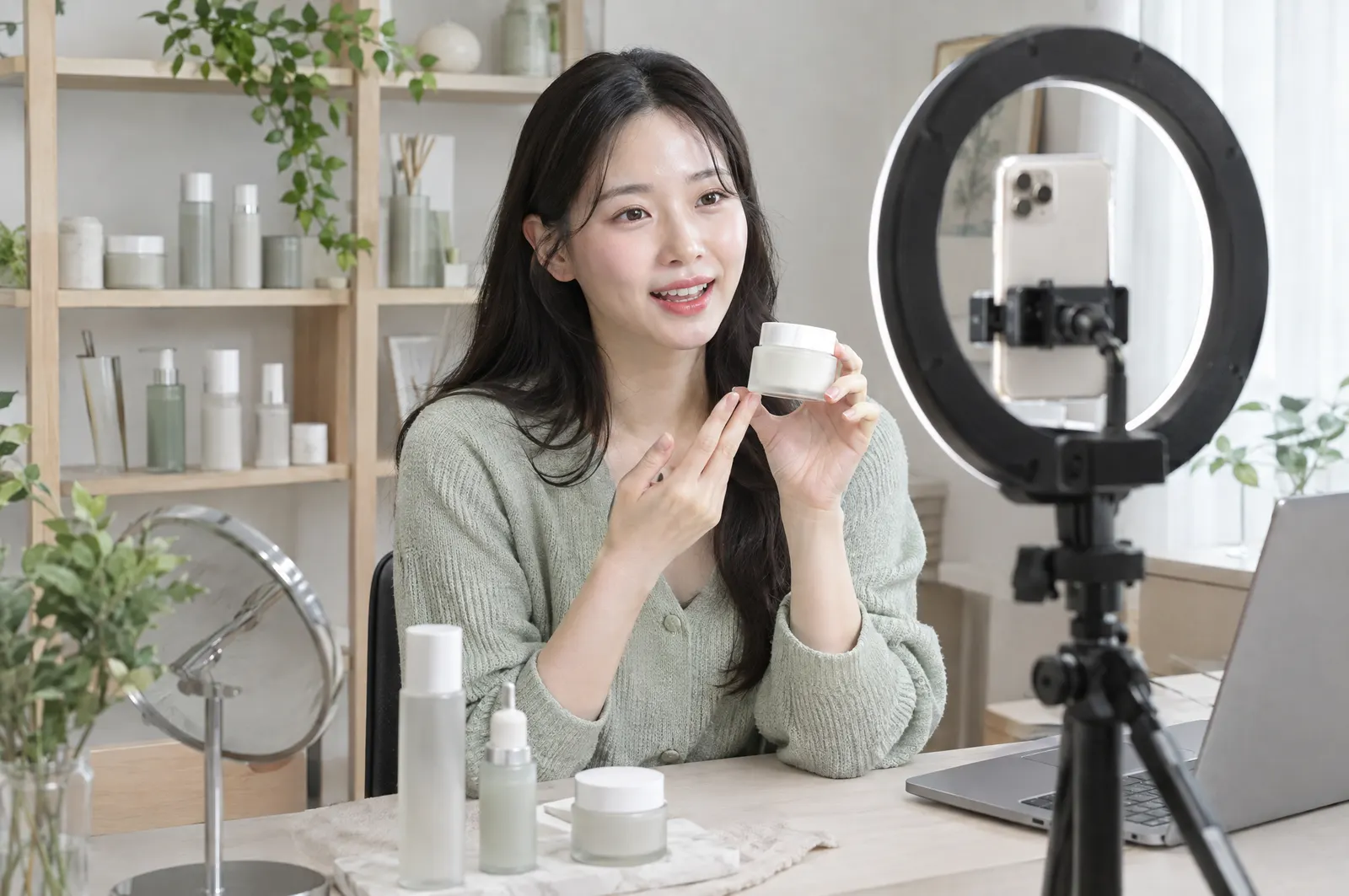
Show the product, answer questions in chat as they come in, and keep the broadcast as a replay.
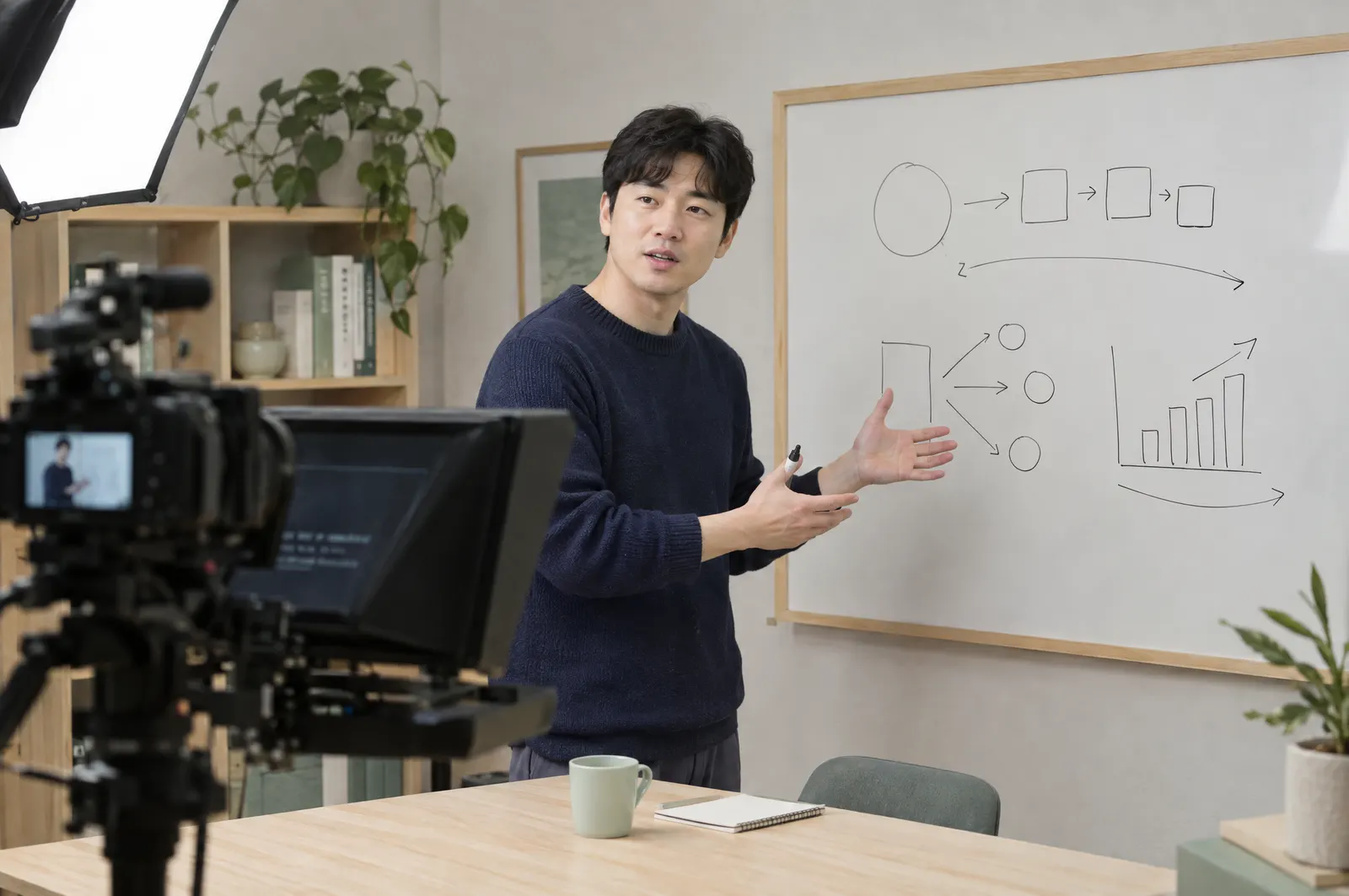
Answer questions during class, then publish the recording as VOD with AI captions and a summary.

When everyone tunes in at once, ABR keeps the picture steady and AI filtering keeps the chat clean.
Tell us your broadcast format, expected concurrent viewers and target date.
We work out the OStream scope and how sendstage chat connects to it.
You get a quote and timeline based on that review.
Yes. Contact sendstage and we cover OStream adoption and chat integration together. Integration details are confirmed after we review your environment.
That works. You can keep your current video setup and add only sendstage chat. Tell us about your setup and audience size.
OStream's mid-roll and virtual ad features let you place ads during a broadcast. Formats and terms are confirmed during consultation.
Your broadcast format, expected concurrent viewers, streaming hours, VOD needs, required features and target launch date.


Your broadcast format and expected audience are enough to get started.
Contact salesPhotos and the sample video on this page were made with AI.